Mobile app — now on the App Store and Google Play
Tame the noise in Substack chat
Search, bookmarks, filtering, and watched users — now on your phone, and in your browser.
Free. Runs entirely on your device — no account with us.
Search, bookmarks, filtering, and watched users — now on your phone, and in your browser.
Free. Runs entirely on your device — no account with us.
Mobile app · App Store & Google Play
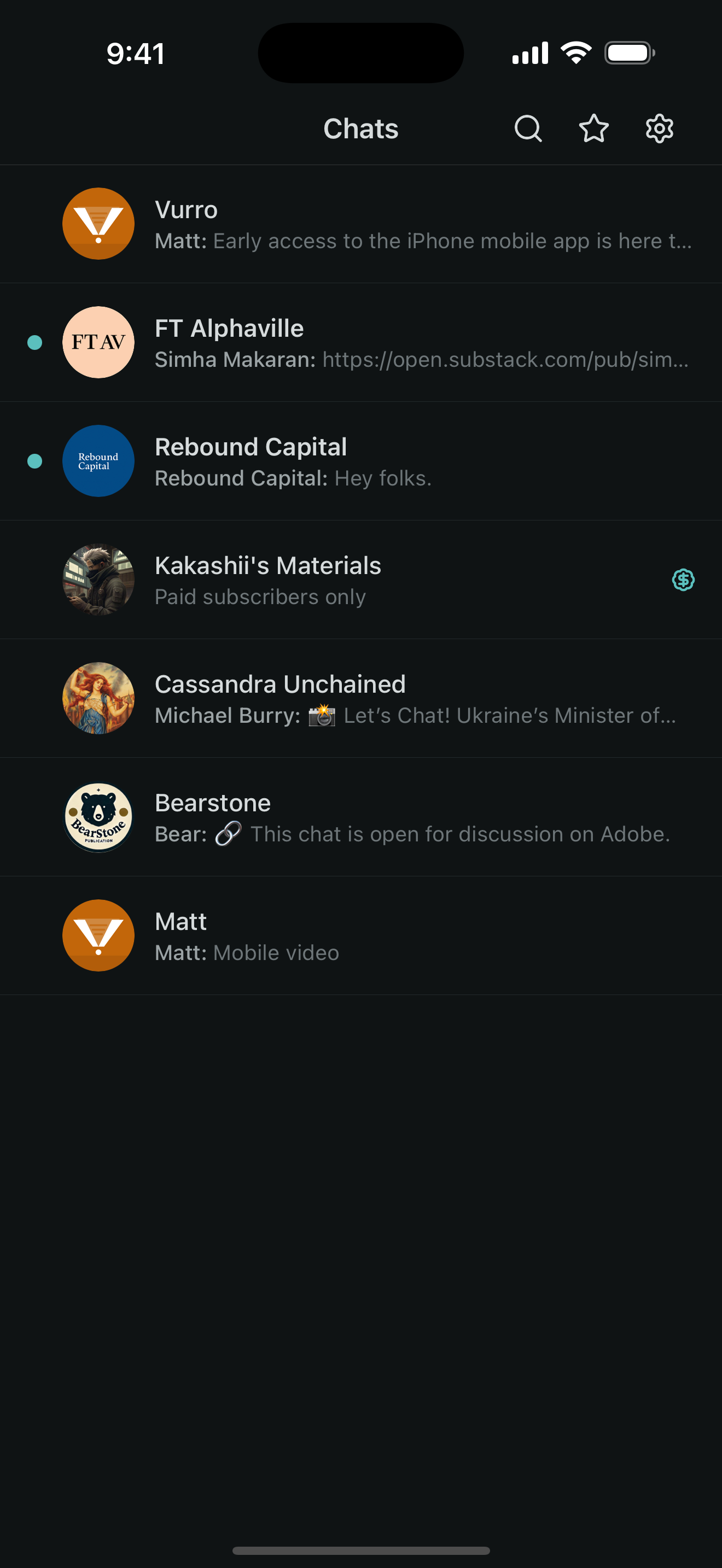
A complete Substack chat client for iPhone and Android — threads, search, bookmarks, watched users, reactions, and read-state tracking. Free on both the App Store and Google Play.
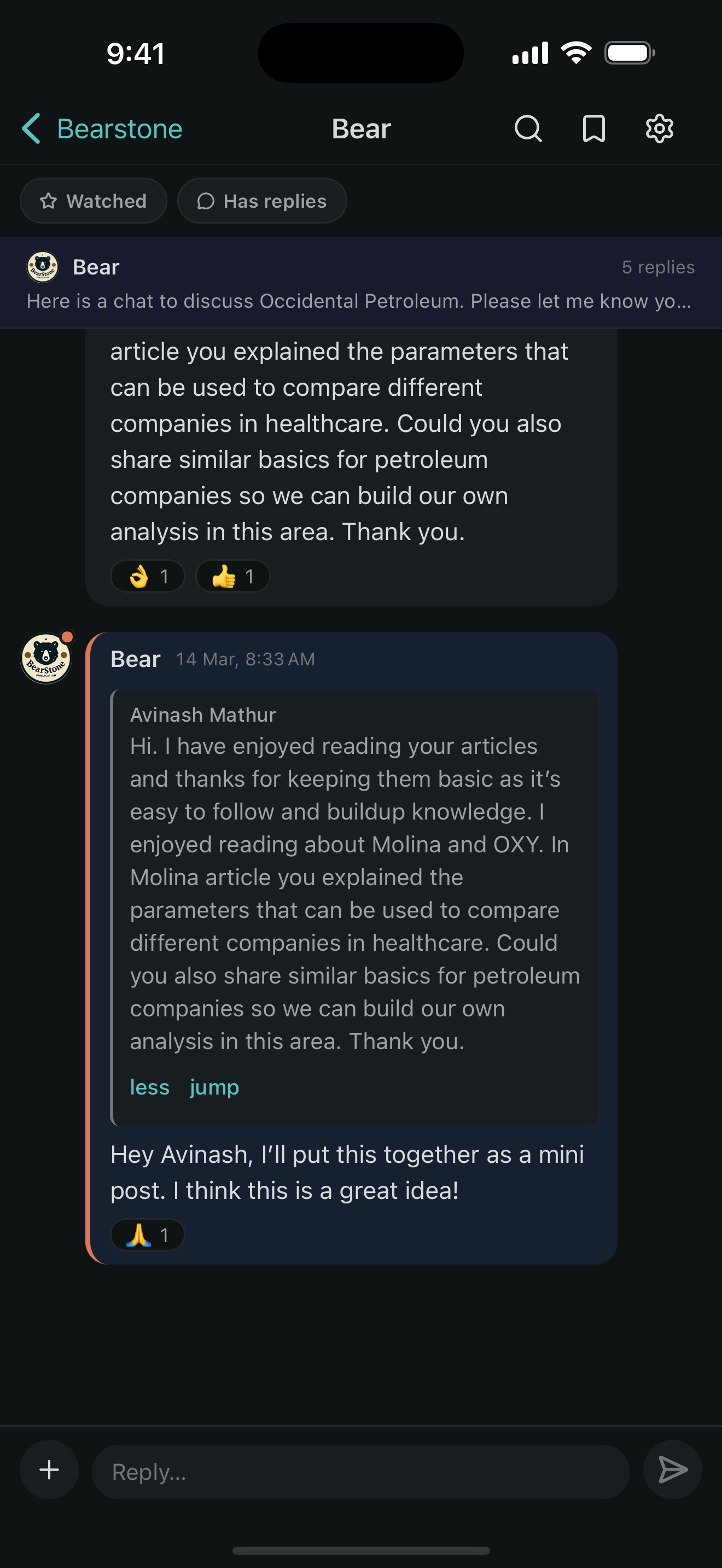
Reactions, quotes & replies
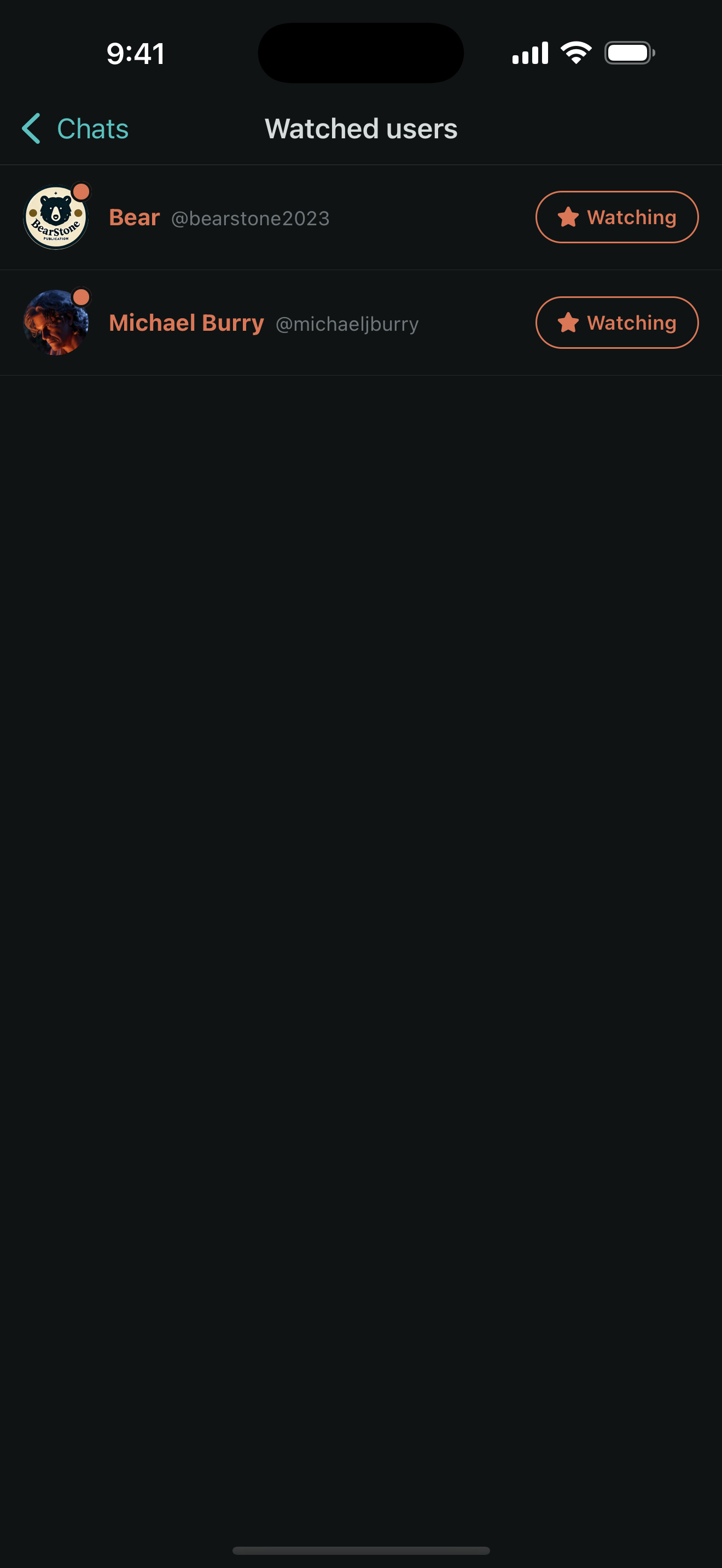
Watch the voices you follow
A closer look
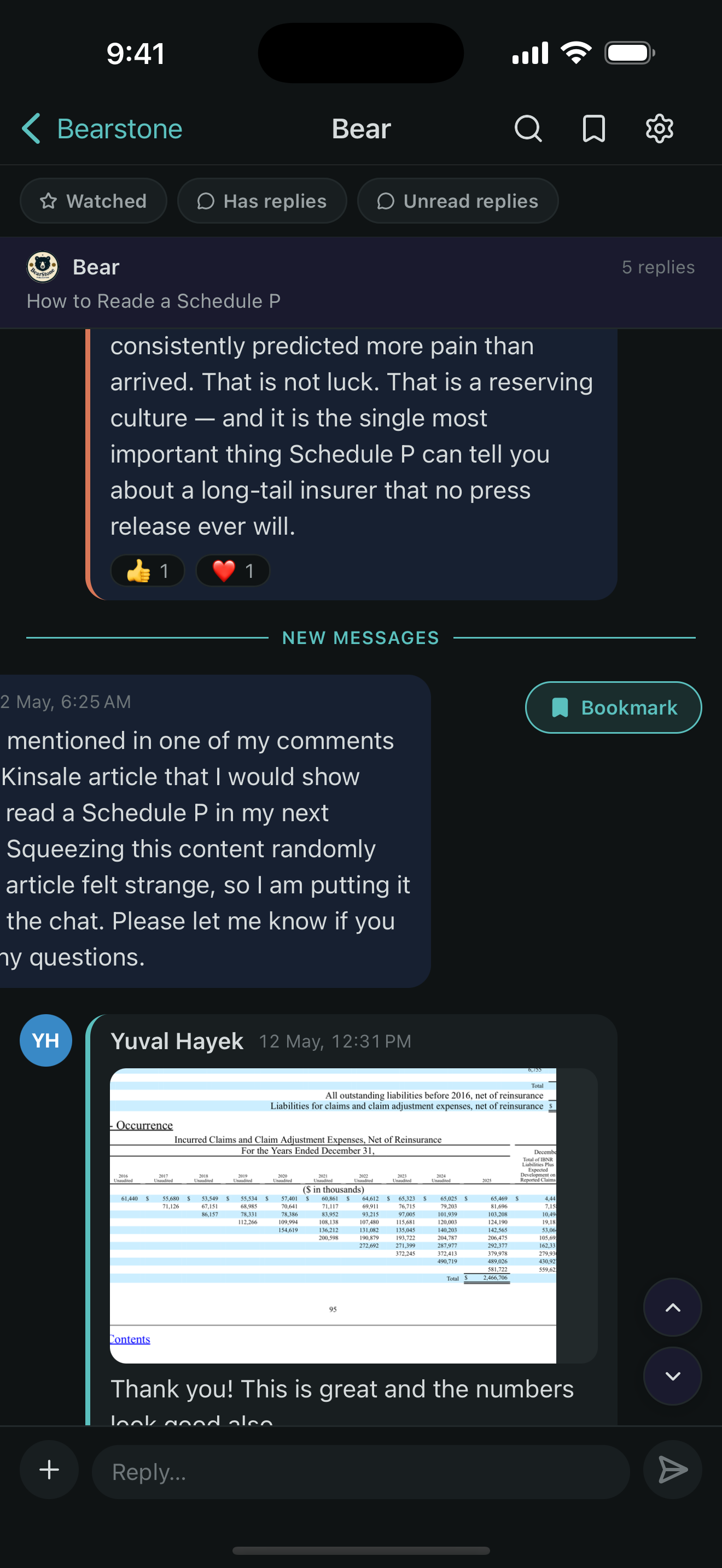
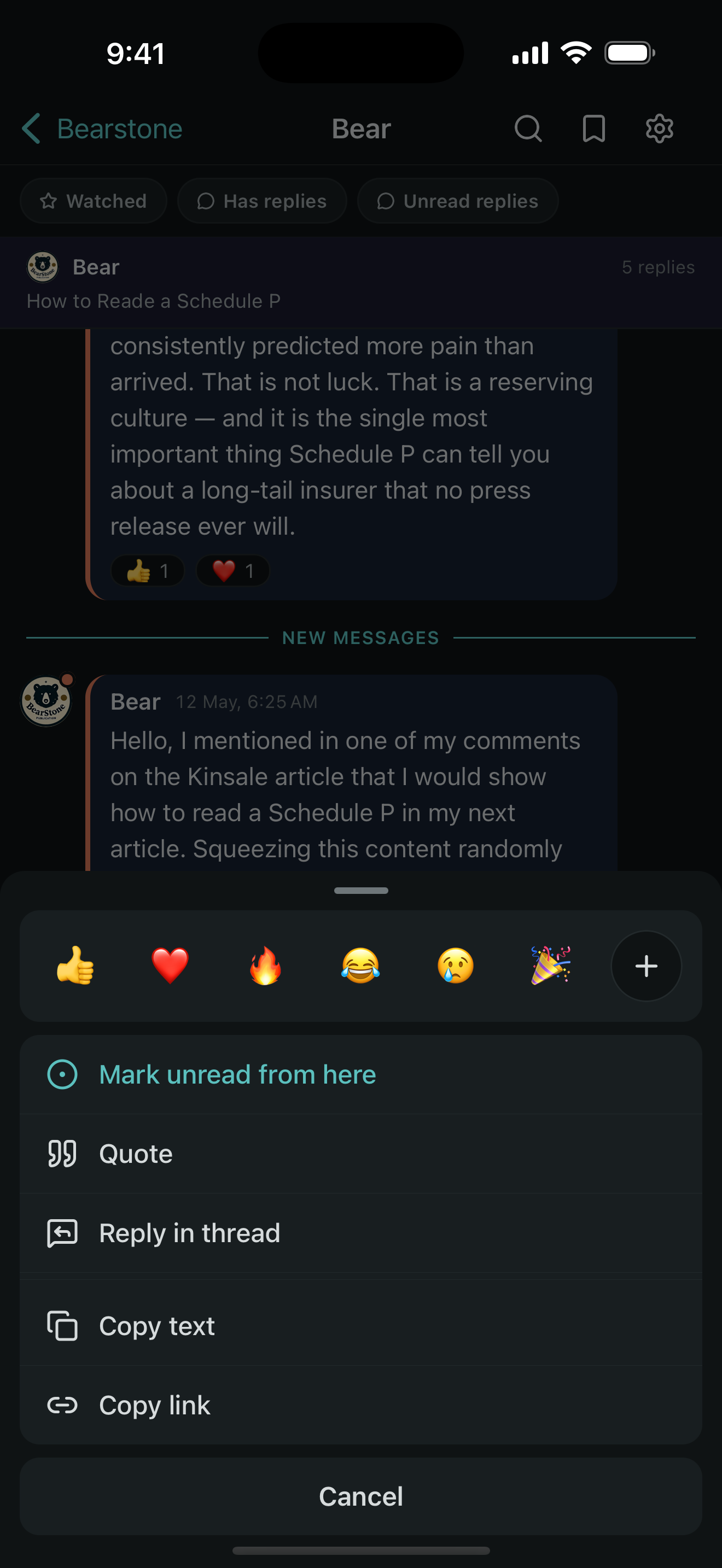
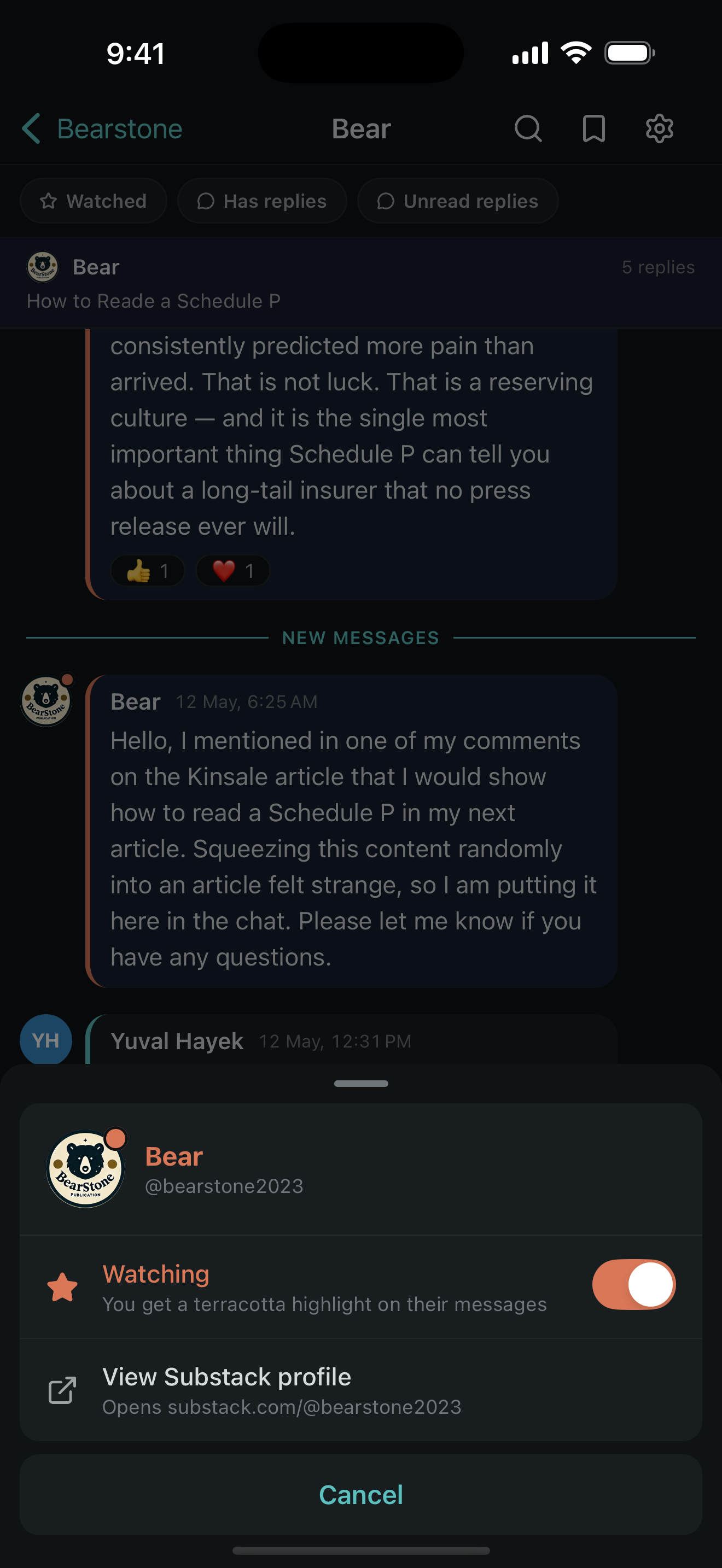
Tap any screen to enlarge
Popular chats move fast. Messages pile up, threads get buried, and finding that one post from last week? Good luck. Vurro adds the tools Substack hasn't built yet — so the conversations you care about don't get lost in the noise.
What Vurro adds
The same toolkit, on your phone and in your browser.
Substack's own apps mark an entire thread read the moment you open it. Vurro tracks what you've actually seen on screen — so when a busy thread has more messages than you can get through in one sitting, close the app and come right back to the first one you haven't read. On by default; mark anything unread whenever you like.
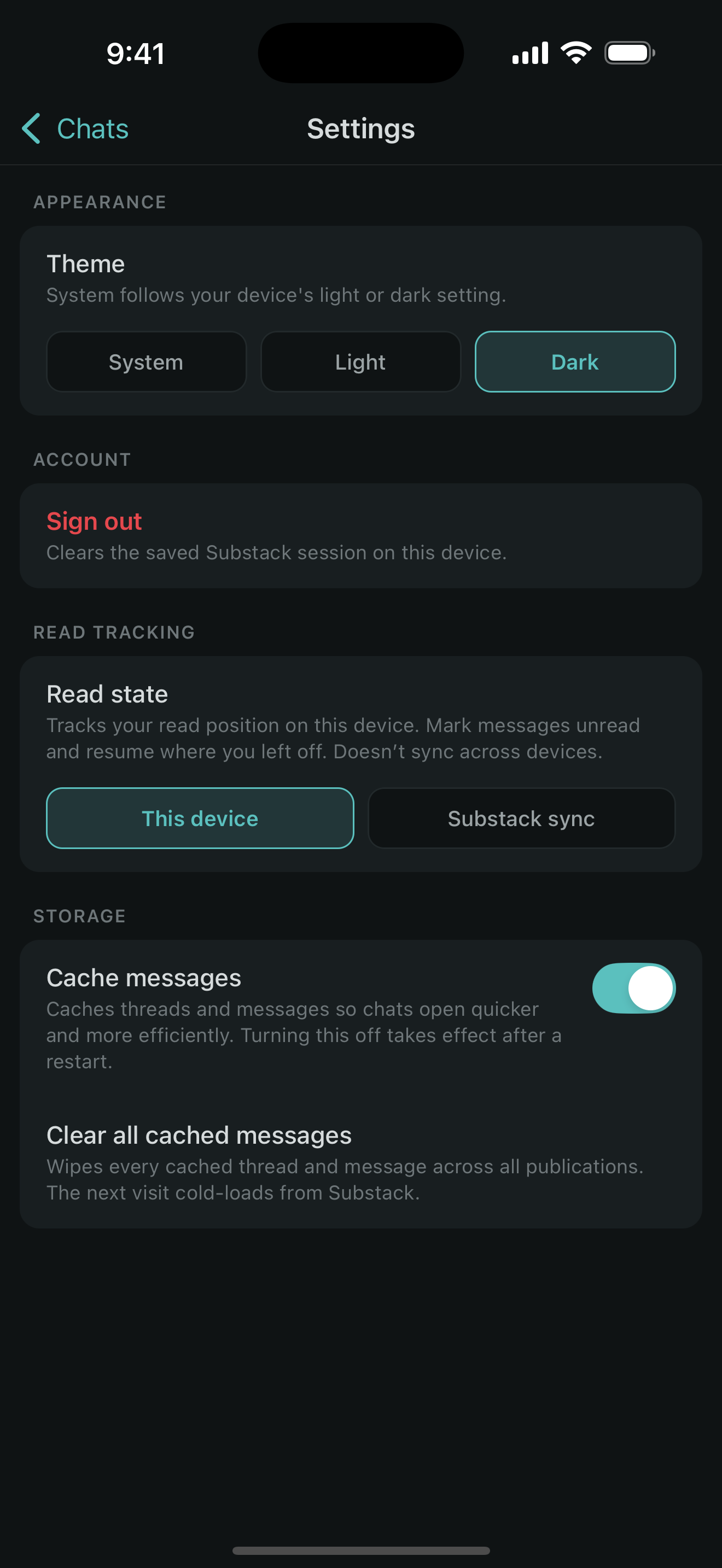
Search message text within threads and subthreads, with matches highlighted in place.
Save important messages and come back to them anytime — they're one tap away.
Filter the chat to show only posts from the people you actually want to follow.
Copy a link straight to any thread or message — share exactly what you're talking about.
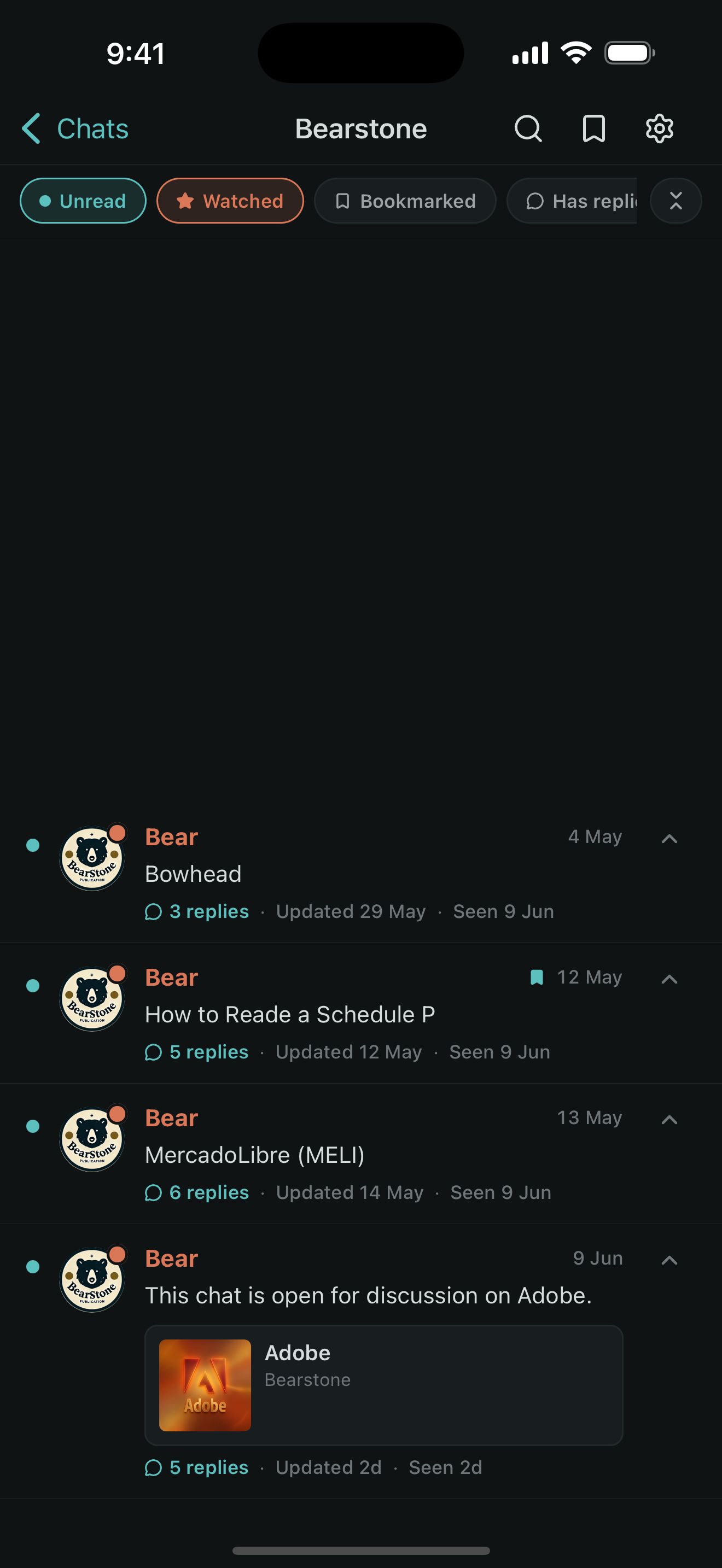
Combinable filters — unread, bookmarked, has-replies — mix and match on the fly.
See quoted messages inline — no more scrolling back through history to find context.
Browser extension
Vurro's browser extension ships today — it enhances Substack chat right inside your browser, and adapts to Substack's light or dark theme automatically.
Add Vurro from the Chrome Web Store or Firefox Add-ons. No account needed.
Head to any Substack chat page as you normally would.
Vurro's tools appear automatically. Search, bookmark, and filter.
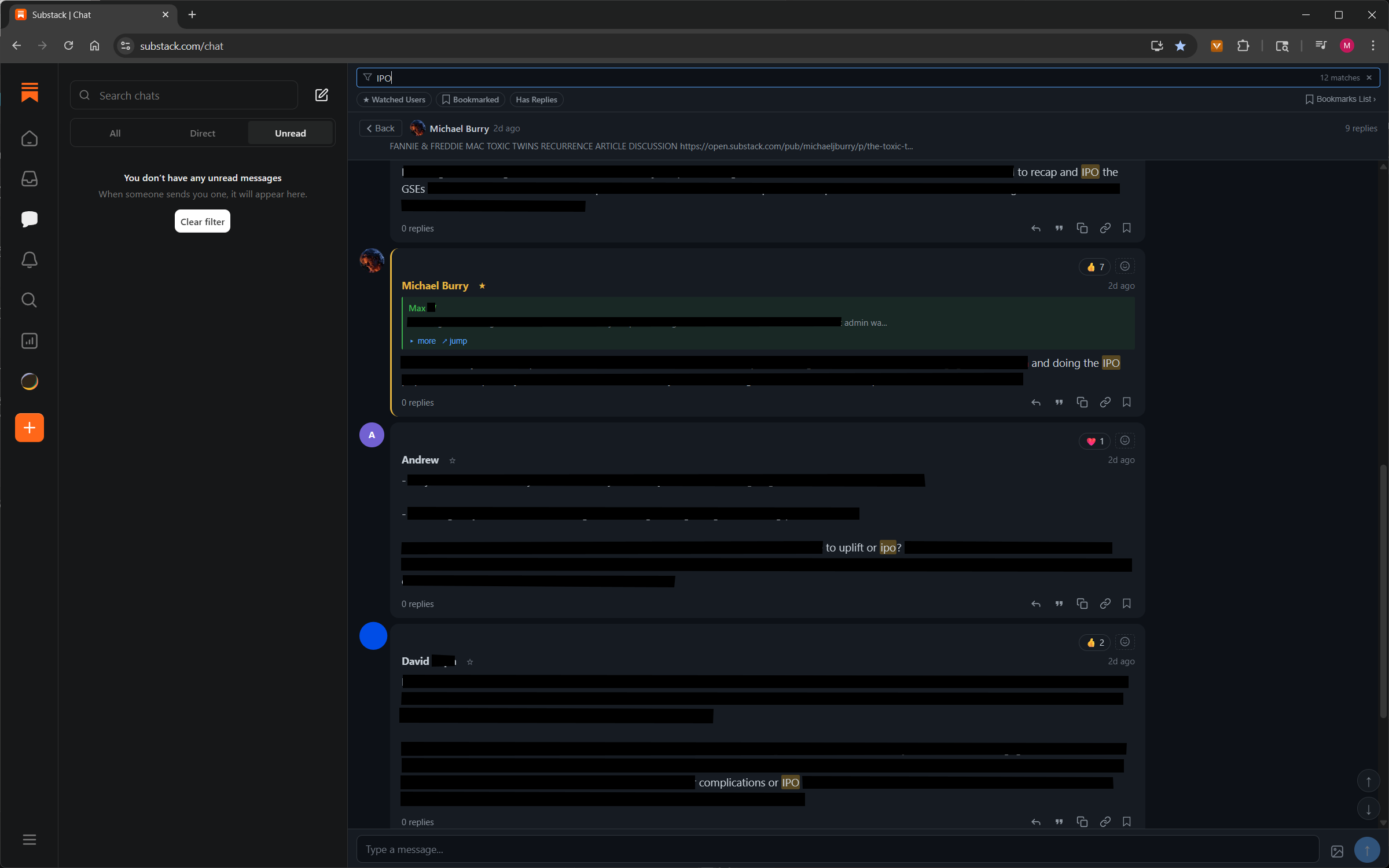
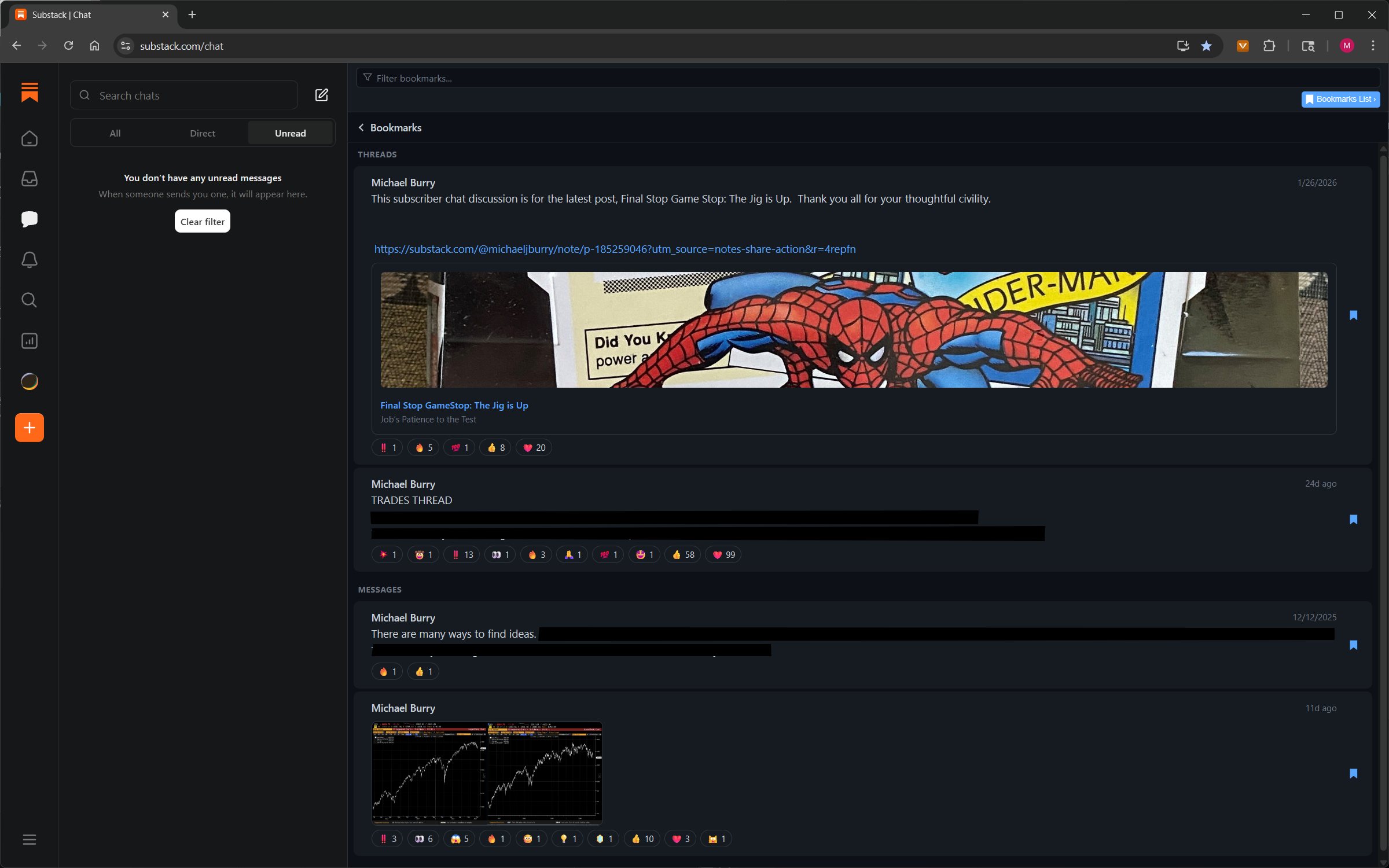
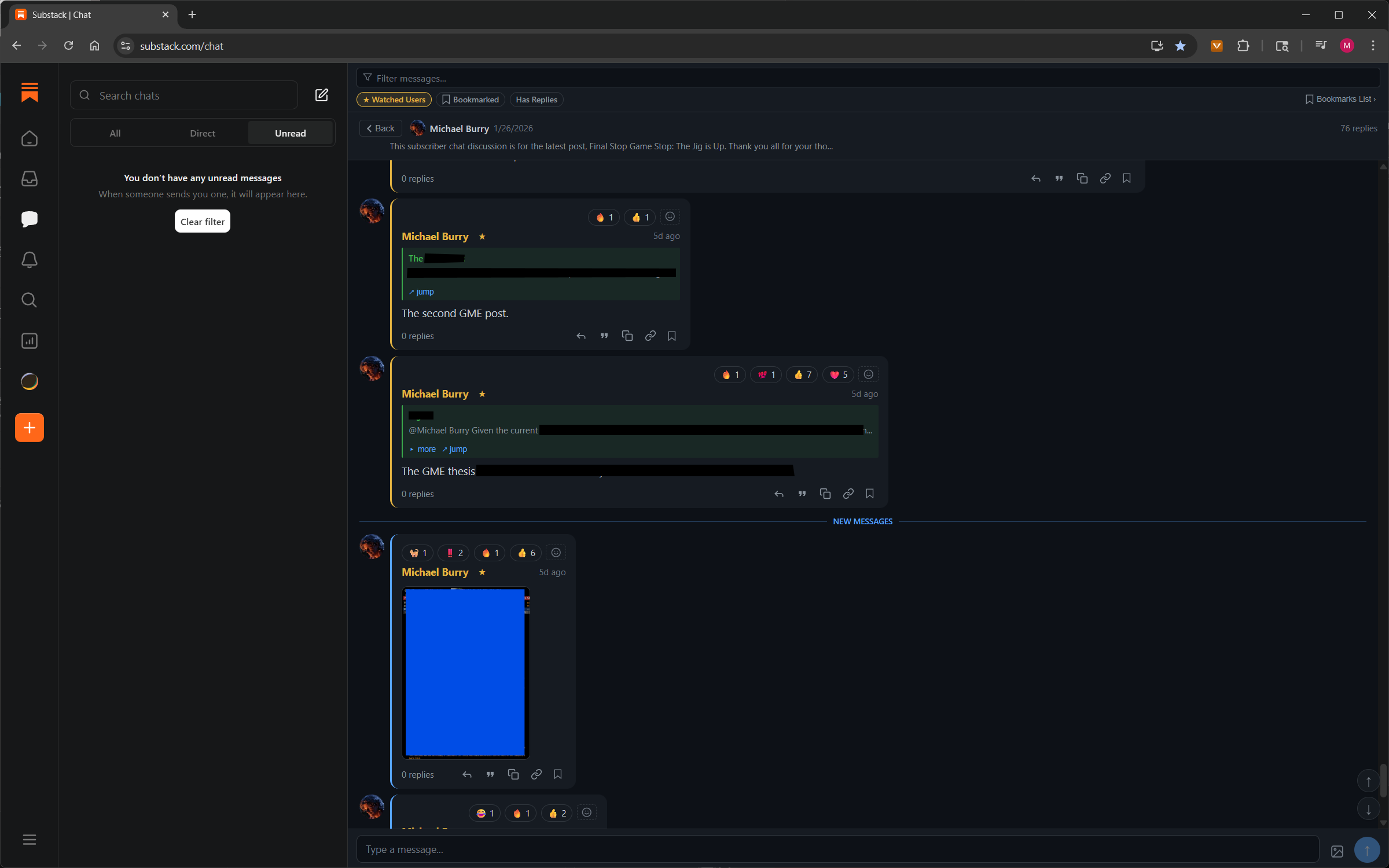
Click any image to enlarge
Questions
On iPhone or iPad, get it straight from the App Store — search "Vurro" and tap Get. On Android, get it from Google Play — search "Vurro" and tap Install.
Yes. The browser extension is completely free, and the mobile app is free too. A Premium tier with fine-grained notification rules — by specific user, replies, or mentions — is planned for later. No ads, no data selling — ever.
Mobile: iOS (App Store) and Android (Google Play). Browser: Chrome and Firefox.
Very little. Vurro runs on your device — the extension in your browser, the app on your phone — and your Substack credentials, session, and messages never leave it. The extension and app also download a public announcements file, but that request carries nothing about you. Anything else that leaves is opt-in. If you turn on notifications, the app registers your device's push token with Vurro's notification backend so it can wake the app up. The planned Premium tier, if you buy it, will also keep your license and, if you turn on sync, your read position and notification settings, so your devices stay in step. No analytics, no ads, no data selling. See the privacy policy for details.
No. Vurro is an independent project, not endorsed by or affiliated with Substack.
Open an issue on GitHub, or drop into the Vurro subscriber chat for questions and feedback.